


|
Quantity
|
Out of stock
|
||
|
|
|||
|
|
|||
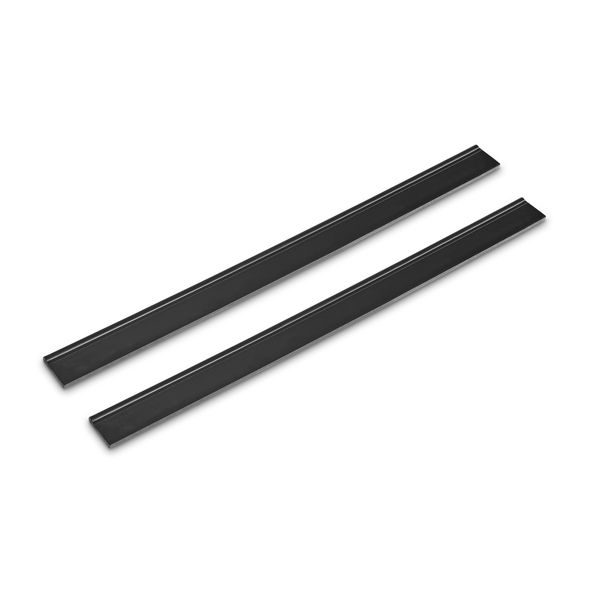
Replacement wipers for Karcher window vacuum (2.633-006.0)
These 280 mm replacement wipers are designed to restore the effective performance of the Karcher cordless window cleaner. These wipers ensure thorough moisture collection from any smooth surfaces, such as windows, mirrors, and ceramic tiles. Replacing worn wipers with new ones will help maintain optimal performance of your vacuum and extend its lifespan.
Specifications and compatibility
| Feature | Value |
|---|---|
| Wiper length | 280 mm |
| Material | Rubber |
Compatible models:
- WV 10
- WV 2 Black Limited Edition
- WV 2 Plus
- WV 2 Premium
- WV 5 Plus Frame Edition
- WVP 10 Adv
- WV 2 + KV 4
- WV 2 + KV 4 Premium
- WV 2 Plus Multi Edition
- WV 2 Plus White
- WV 2 Premium 10 Years Edition
- WV 2 Premium Promo
- WV 2 Promo
- WV 5 Plus Black Edition
- WV 50 Plus
- WV Classic
How to choose the right product
When selecting replacement wipers for your Karcher window vacuum, consider the following points:
- Ensure that the wiper length is 280 mm to fit your device.
- Check compatibility with your window cleaner model to avoid purchasing errors.
- Choose original or high-quality alternatives to ensure reliability and durability.
Possible causes of malfunction and prevention methods
Wiper replacement may be necessary for the following reasons:
- Rubber wear due to frequent use.
- Damage caused by improper handling or use on rough surfaces.
To avoid premature wear, follow these recommendations:
- Use the window cleaner only on smooth surfaces.
- Regularly clean the wipers from dirt and detergent residues.
Difficulty of part replacement
Replacing the wipers is a simple procedure that can be done independently. Here is a general step-by-step guide:
- Disconnect the window cleaner from the power supply (if applicable).
- Remove the old wipers by gently pulling them away.
- Install the new wipers in place, ensuring they are securely fixed.
- Check the installation and turn on the device for testing.
This procedure does not require special tools and can take just a few minutes. However, exercise caution to avoid damaging other components of the device.