


|
Quantity
|
Out of stock
|
||
|
|
|||
|
|
|||
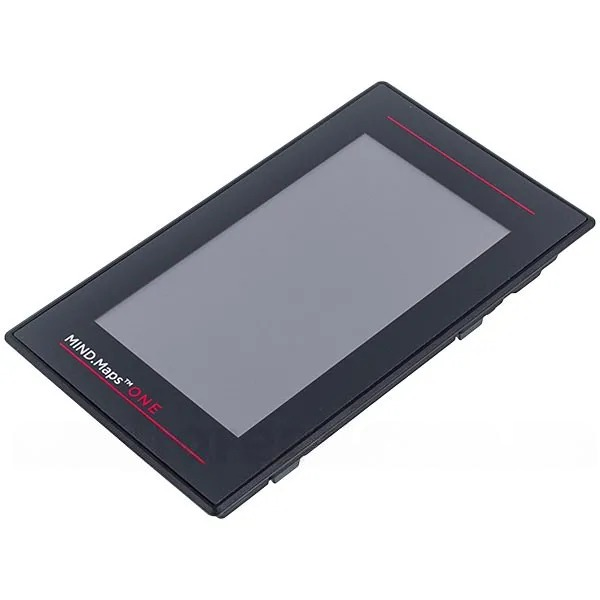
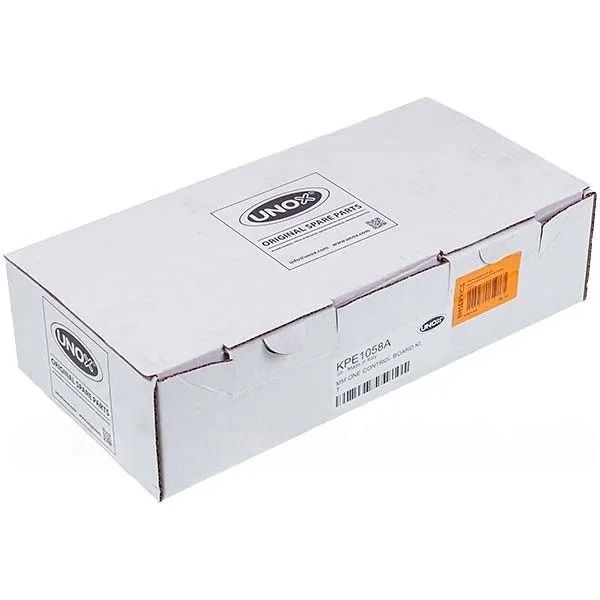
UNOX PE1058A Touch Control Panel
The UNOX PE1058A touch control panel is designed to manage various functions of professional kitchen appliances. This control board provides intuitive interaction with the equipment and plays a crucial role in the reliable operation of the devices. Replacing this part may be necessary in case of a malfunction, allowing you to restore the functionality and efficiency of your equipment.
Specifications and Compatibility
| Parameter | Value |
|---|---|
| Manufacturer | Unox |
| Brand | Unox |
| Part type | Control board |
| Assembly | Assembled |
Compatible models:
- Unox XEBL-16EU-E1RS/2.D01
- Unox XEVL-2011-E1RS/2.D01
How to Choose the Right Product
When selecting the UNOX PE1058A touch control panel, consider the following points:
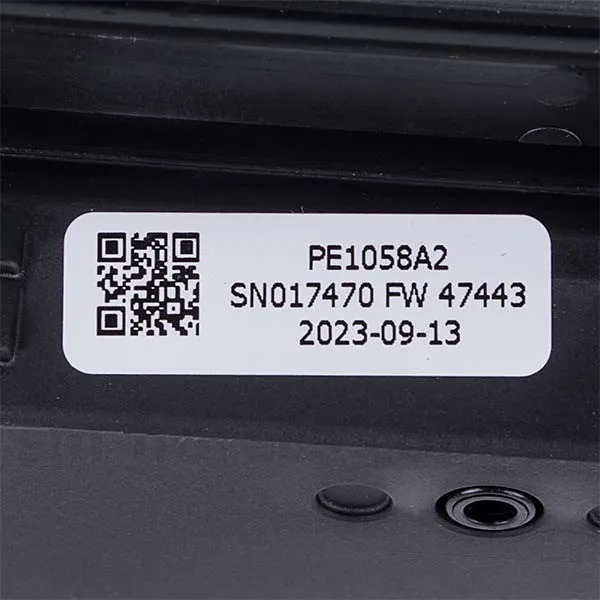
- Compare the model number of your current part with the listed compatible models.
- Ensure you are purchasing an original part from the manufacturer Unox to avoid compatibility and quality issues.
- Check that you have all the necessary tools for installation if you plan to replace the part yourself.
Possible Causes of Malfunction and Prevention Methods
Touch panels can fail for a number of reasons:
- Overheating: Ensure the device is properly ventilated and does not overheat during operation.
- Mechanical damage: Avoid impacts and drops on the control panel.
- Moisture: Protect the panel from water and steam exposure, which can damage electrical components.
To prevent wear, it is recommended to regularly clean the panel and monitor its condition.
Difficulty of Part Replacement
Replacing the UNOX PE1058A touch control panel requires basic electronic skills. Difficulty assessment:
- Difficulty level: Medium
- You will need a screwdriver, tweezers, and possibly a multimeter to check connections.
Replacement Steps:
- Disconnect the device from the power supply.
- Remove the cover to access the control panel.
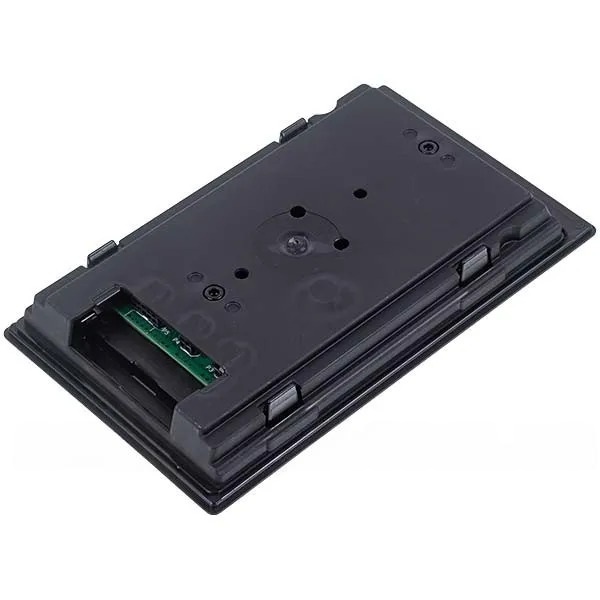
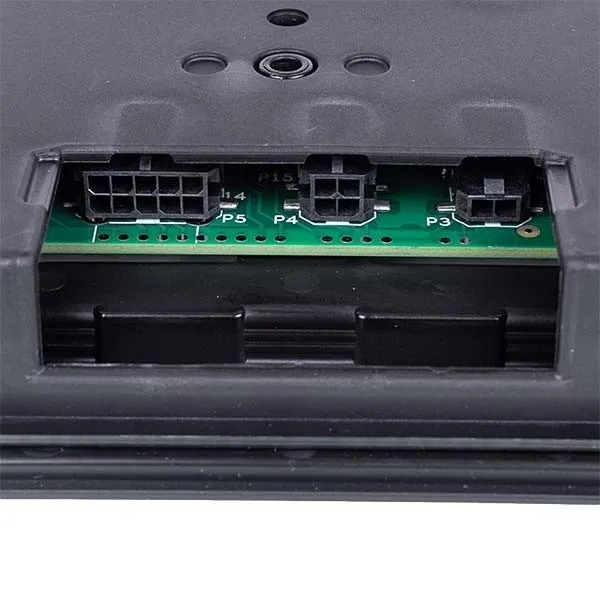
- Disconnect the old touch panel from the connectors.
- Install the new panel by connecting it to the appropriate connectors.
- Close the cover and reconnect the device to the power supply.
By following these steps, you can successfully replace the control panel and restore the functionality of your equipment. If you are unsure of your abilities, it is recommended to consult a professional technician.