


|
Quantity
|
Out of stock
|
||
|
|
|||
|
|
|||
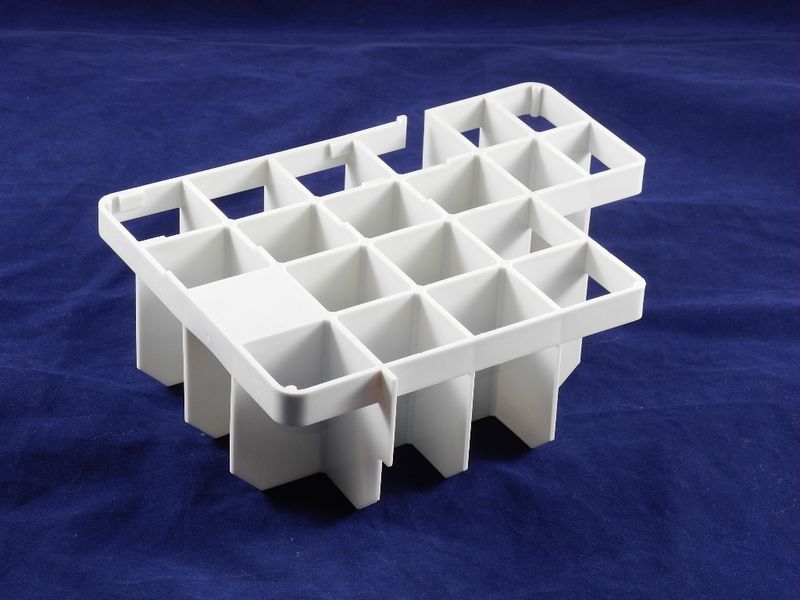
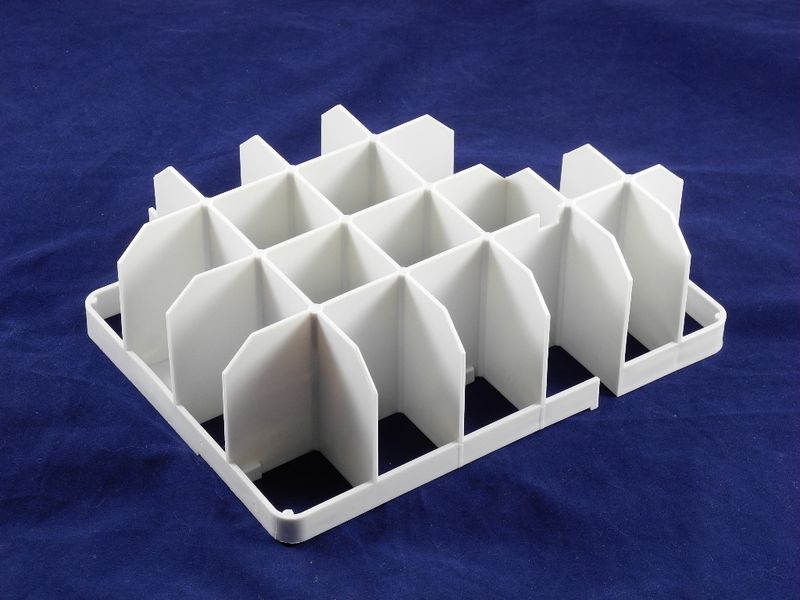
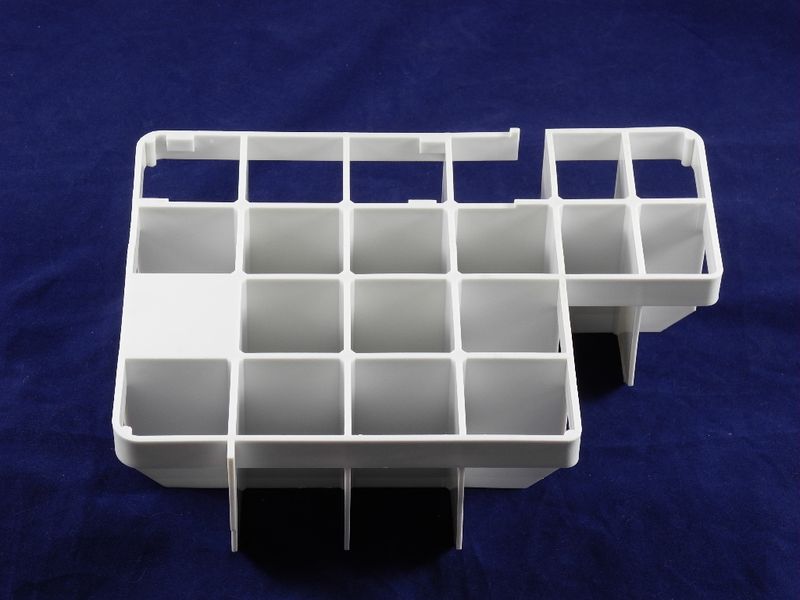
Thomas Twin Aqua Filter Grid (141006)
Thomas Twin Aqua Filter Grid (141006) is designed for use with various vacuum cleaner models and equipment, ensuring effective operation in washing and liquid collection modes. This part plays a crucial role in preventing water spillage, making the cleaning process cleaner and safer. Replacing the aqua filter grid will help maintain the optimal condition of your vacuum cleaner and extend its lifespan.
Technical specifications and compatibility
| Model | Compatible models |
|---|---|
| Thomas Twin Aqua Filter Grid (141006) | Black Ocean, Genius S1, Aquafilter Genius S1 Eco, Genius S2, Aquafilter Hygiene T2, Hygiene T2 Plus, Pet&Friends T1, Aquafilter Rohto, Aquafilter Smarty, Steam Vac Syntho, Aquafilter Syntho V 1500, Twin, Twin Aquafilter, Twin Aquatherm, Twin Aquatherm +, Aquafilter Twin Helper, Twin T1, Aquafilter Twin T1 Turbo, Twin T2, Twin T2 Aquafilter, Twin T2 Parkett, Aquafilter Twin Tiger, Twin TT, Aquafilter Twin TT Parkett |
How to choose the right product
When selecting an aqua filter grid, it is important to pay attention to the following points:
- Ensure that the part number and model match your device.
- Check the condition of the old grid for any damage or wear.
- Look for additional features, such as splash protection.
Possible causes of malfunction and prevention methods
Malfunction of the aqua filter grid can be caused by:
- Wear from frequent use;
- Improper operation, such as suctioning liquids without a dirty water tank;
- Clogging of the filter or grid.
To prevent wear, it is recommended to:
- Regularly clean the grid of accumulated debris;
- Use the equipment according to the manufacturer's instructions;
- Avoid suctioning liquids without a dirty water tank.
Difficulty of part replacement
Replacing the Thomas Twin Aqua Filter Grid (141006) is a relatively simple procedure that can be done by yourself. It is recommended to follow these steps:
- Disconnect the device from the power supply.
- Remove the old grid by gently pulling it upwards.
- Install the new grid in place, ensuring it is secured.
- Reconnect the device and perform a test cleaning.
The difficulty of replacement can be rated as low, and it does not require special skills or tools.