


|
Quantity
|
Out of stock
|
||
|
|
|||
|
|
|||
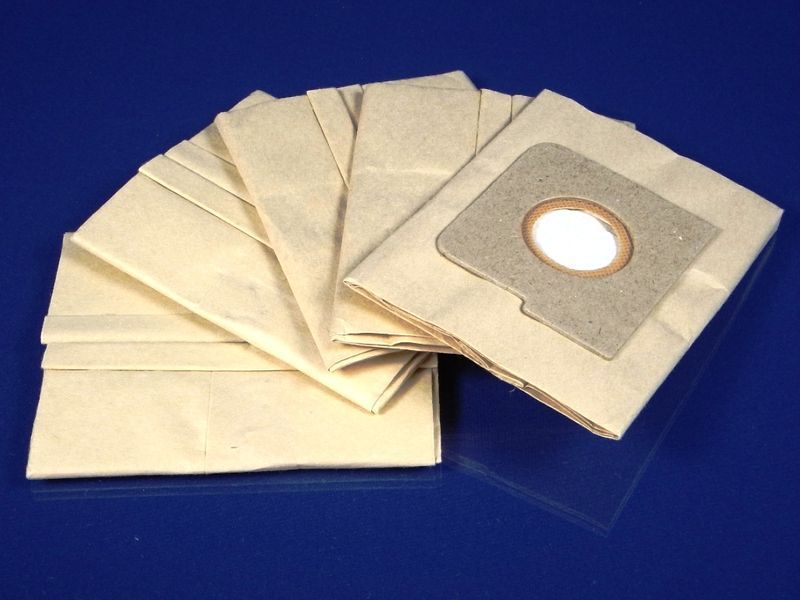
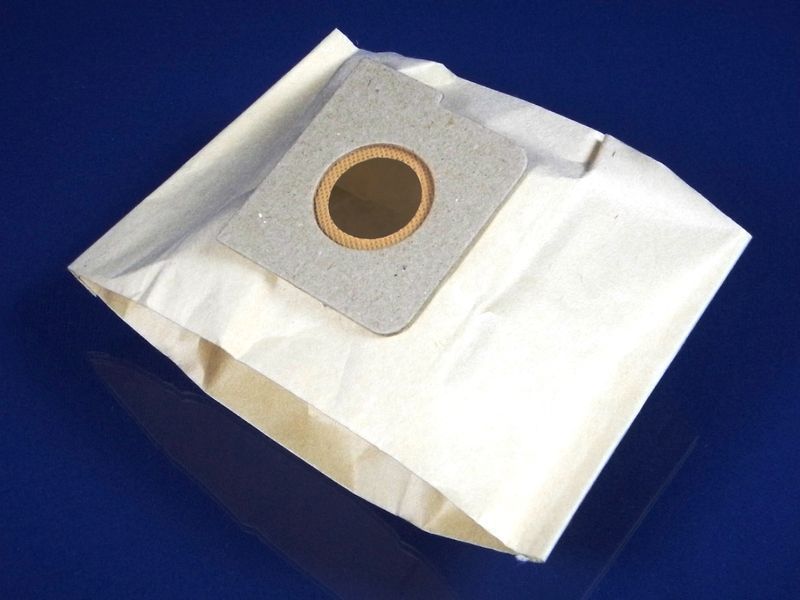
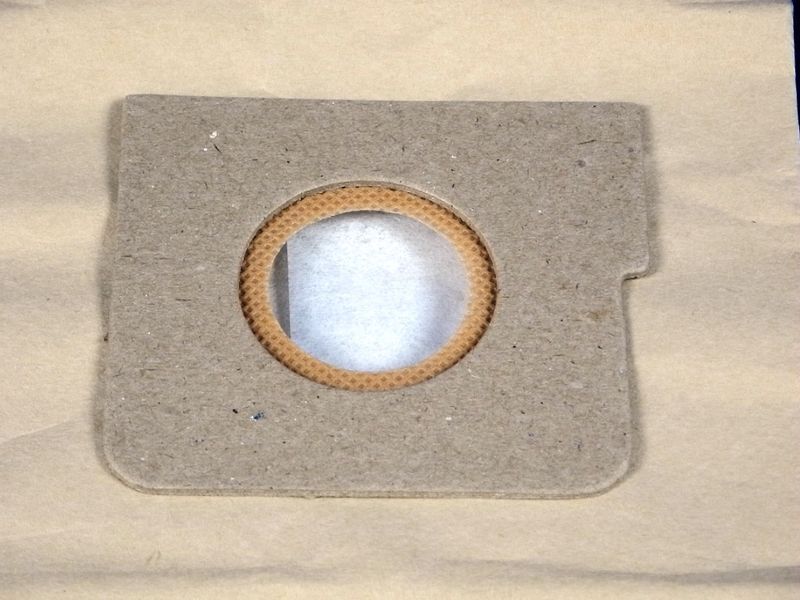
Set of paper vacuum bags for LG (5 pieces included)
Part number: FB 06, 5231FI2308D, 5231FI2308C
This set of multi-layer paper bags is designed for LG vacuum cleaners and compatible models from other brands. The package includes 5 bags that ensure reliable dust and dirt collection. Each bag is suitable for use during 5-6 cleanings, depending on the intensity of use. Once full, the bag should be disposed of.
Specifications and compatibility
| Quantity in package | 5 pieces |
|---|---|
| Bag type | Multi-layer paper |
| Compatible LG models |
|
| Compatible brands | LG, ROWENTA, MOULINEX, CAMERON, SCARLETT, and others. |
How to choose the right product
When selecting a paper vacuum bag, pay attention to the following points:
- Ensure that the bag part number matches your vacuum cleaner.
- Check compatibility with your brand and model.
- Note the type of bag, as they may vary in material and design.
Possible causes of malfunction and prevention methods
Malfunctions of bags can occur for the following reasons:
- Overfilling the bag can lead to reduced suction. Replace bags regularly.
- Using non-original bags may negatively affect the vacuum cleaner's performance.
- Improper installation of the bag can lead to damage.
To prevent wear, monitor the condition of the bag and replace it at the first signs of fullness.
Difficulty of part replacement
Replacing the paper bag in a vacuum cleaner is a simple procedure that can be done without special tools. It involves the following steps:
- Unplug the vacuum cleaner from the power source.
- Open the bag compartment.
- Remove the old bag by gently pulling it out.
- Install the new bag, ensuring it is securely in place.
- Close the compartment and plug the vacuum cleaner back in.
The difficulty of replacement can be rated as low, and even a beginner can handle this task.