


|
Quantity
|
Out of stock
|
||
|
|
|||
|
|
|||
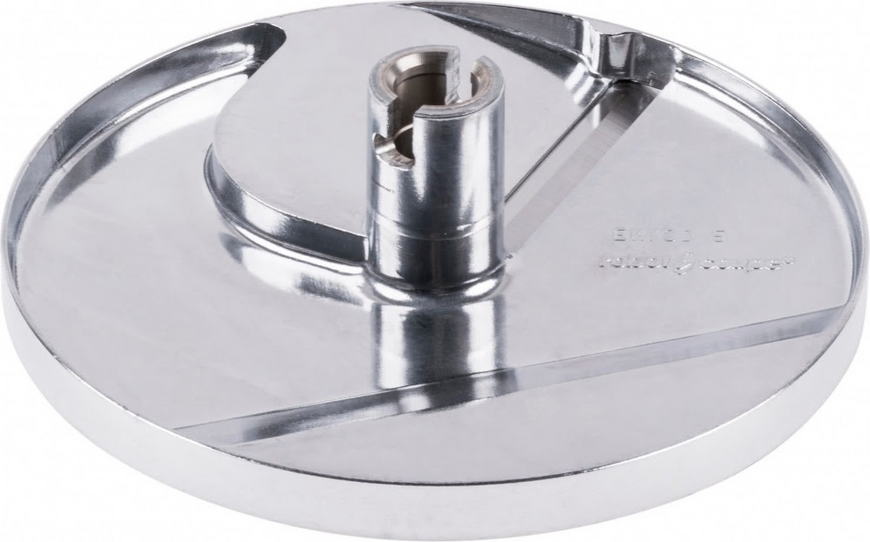
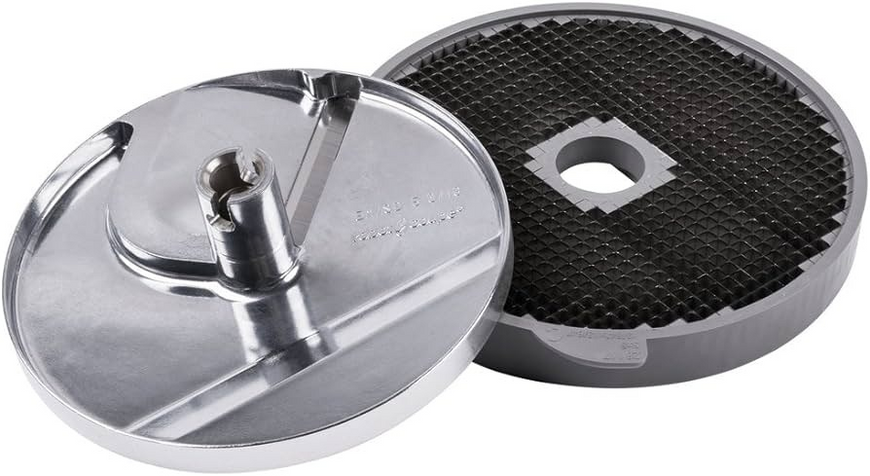
Robot Coupe 28110 5x5x5mm dicing kit
General description: The Robot Coupe 28110 disc set is designed for food processors, providing efficient dicing of ingredients into 5x5x5 mm cubes. This kit includes a slicer and a grater, making it ideal for quick and easy preparation of vegetable and fruit dishes. With this set, you can significantly speed up the dicing process and diversify your culinary options, including slicing, grating, dicing, French fries, and julienne cuts.
Technical specifications and compatibility
| Parameter | Value |
|---|---|
| Cube size | 5x5x5 mm |
| Slicer outer diameter | 190 mm |
| Grater outer diameter | 205 mm |
| Compatibility with models | R502, CL50 Ultra, CL50, CL50D, CL52, CL55, CL60 |
| Number of discs | Each food processor can be equipped with up to 50 discs |
| Manufacturer | Robot Coupe (France) |
How to choose the right product
When selecting a disc set for your Robot Coupe food processor, consider the following points:
- Compatibility with your food processor model. Check if your model is listed among the compatible ones.
- Cube size. Ensure that 5x5x5 mm meets your culinary needs.
- Types of cuts you plan to use. Make sure the set includes the functions you need, such as slicers and graters.
Possible causes of failure and prevention methods
Discs may fail for several reasons:
- Blade wear: Regular use can lead to dulling. It is recommended to periodically check the condition of the blades and replace them as needed.
- Improper use: Using unsuitable products or applying excessive pressure can damage the discs. Follow the operating instructions.
- Lack of maintenance: Regular cleaning after use will help prevent food residue buildup and corrosion.
Difficulty of part replacement
Replacing discs in Robot Coupe food processors typically does not require special skills and can be done in a few minutes. To replace, follow these steps:
- Disconnect the food processor from the power supply.
- Remove the old disc by gently turning it counterclockwise.
- Install the new disc by pressing it until it clicks into place.
- Reconnect the food processor and check the operation of the new disc.
The difficulty of replacement can be rated as low, making this kit ideal for DIY repairs and upgrades in the kitchen.