


|
Quantity
|
Out of stock
|
||
|
|
|||
|
|
|||
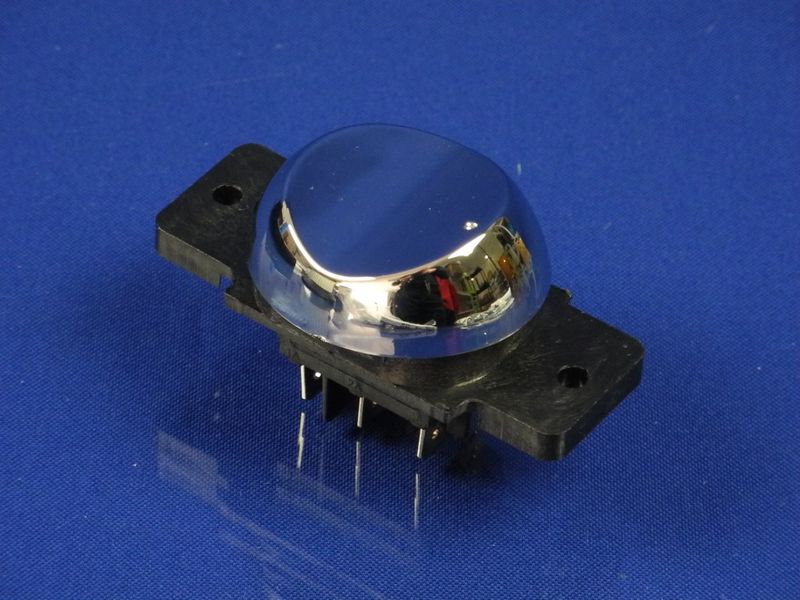
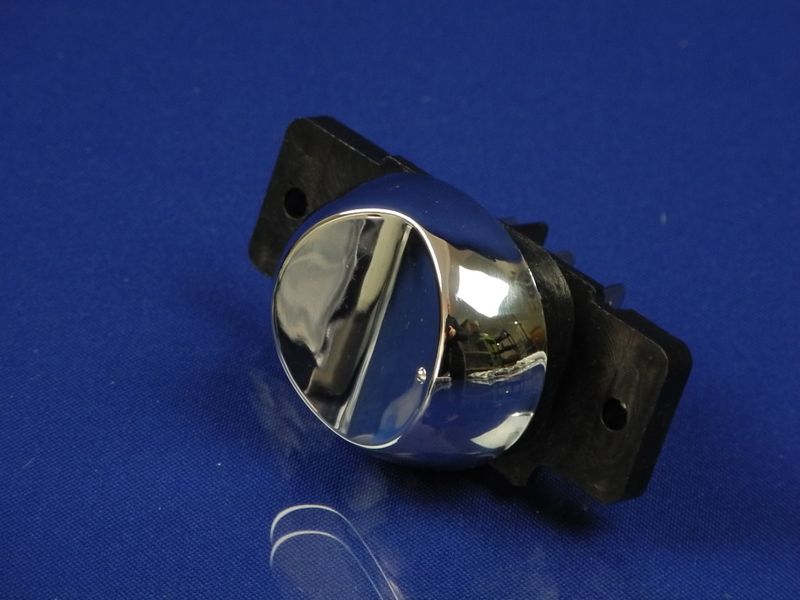
Power button for Liberton meat grinder with reverse function (LMG-202)
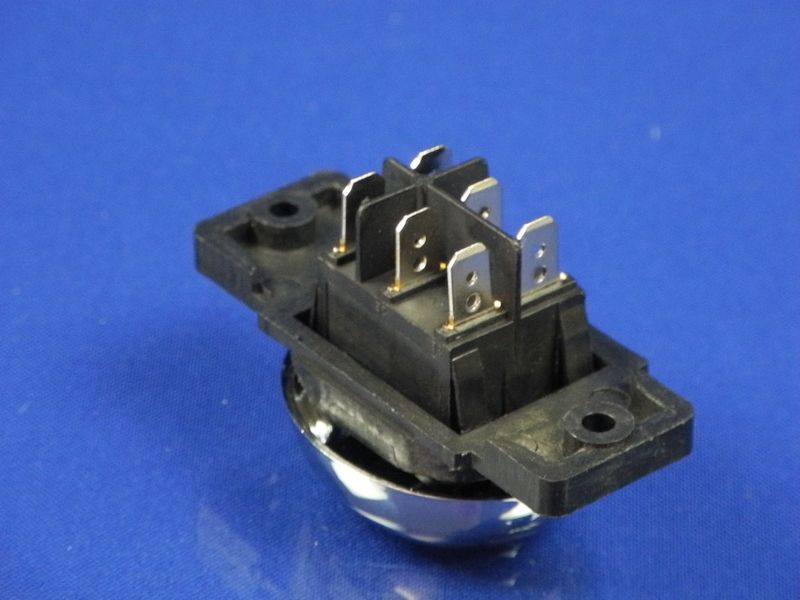
Product description: Original power button for the Liberton meat grinder with reverse function. This part is perfectly suited for Liberton meat grinder models and provides reliable control of the device. The chrome-plated cover gives the button a stylish appearance, while its rectangular shape and 6 contacts ensure easy connectivity. The button is designed to activate the meat grinder's operation and switch to reverse mode, making it easy to handle meat jams.
Specifications and compatibility
| Feature | Value |
|---|---|
| Type | Power button |
| Compatibility | Liberton meat grinders (model LMG-202) |
| Shape | Rectangular |
| Number of contacts | 6 |
How to choose the right product
When selecting a power button for the Liberton meat grinder, pay attention to the following points:
- Meat grinder model: Ensure that you choose a part compatible with your model (LMG-202).
- Button type: Check that the button has the necessary features, such as reverse function.
- Quality: It is recommended to choose original parts for reliability and durability.
Possible causes of malfunction and prevention methods
The power button may fail for several reasons:
- Contact wear: Frequent use of the button can lead to wear. To prevent this, try not to press the button too hard.
- Moisture ingress: Moisture can damage the electronics. Store the meat grinder in a dry place and avoid getting water on the button.
- Wiring issues: If the button is not working, check the condition of the wires and connections.
Difficulty of part replacement
Replacing the power button is a moderately difficult task. Generally, the process includes the following steps:
- Disconnect the meat grinder from the power supply.
- Remove the old button by unscrewing the fasteners.
- Connect the new button, following the wiring diagram (pay attention to the number of contacts).
- Install the button in place and secure it.
- Reconnect the meat grinder to the power supply and test the new button.
It is recommended to have tools such as a screwdriver and a multimeter on hand to check the connections.