


|
Quantity
|
Out of stock
|
||
|
|
|||
|
|
|||
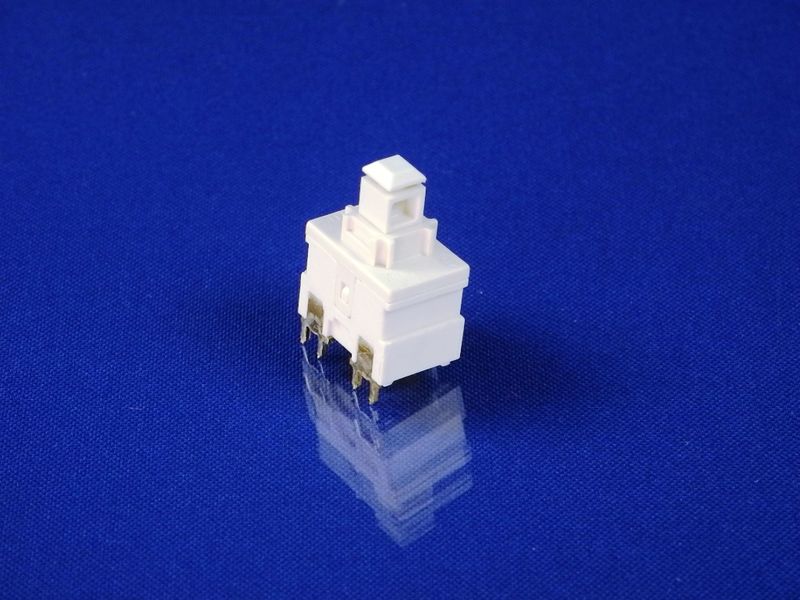
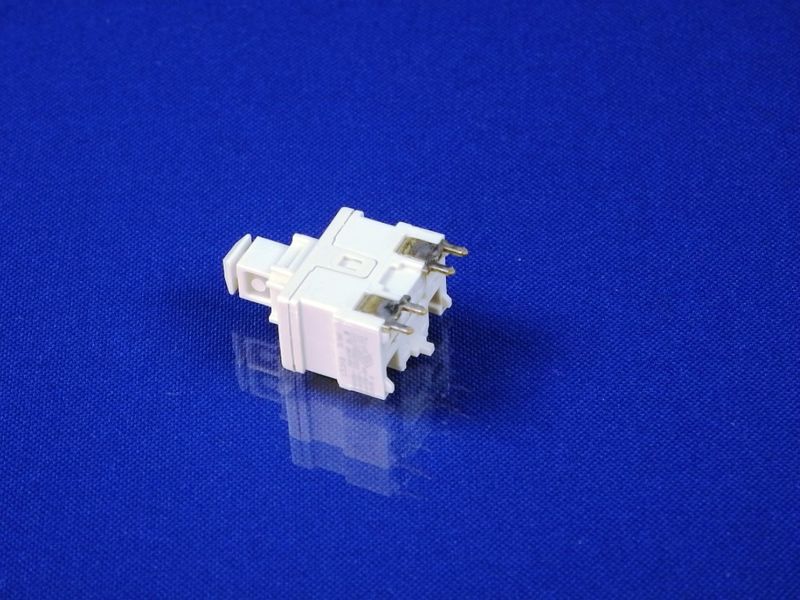
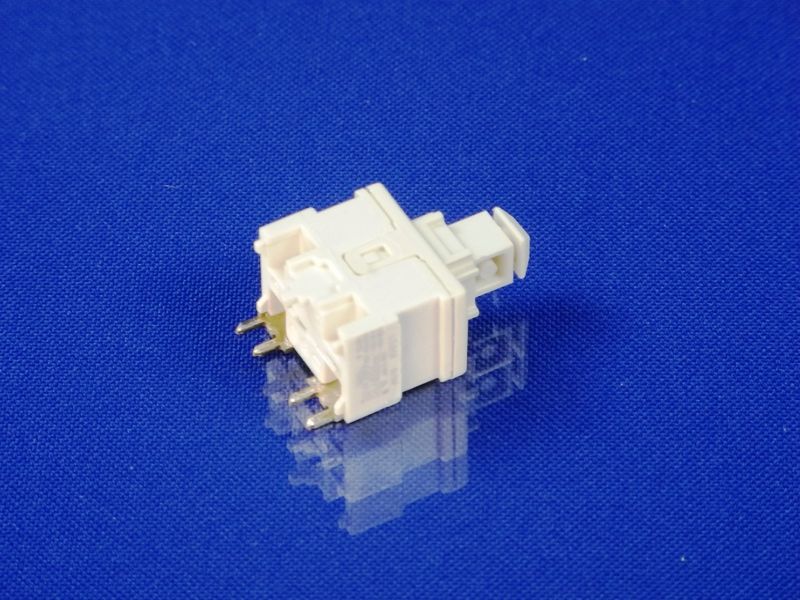
Power button (main) for Zelmer vacuum cleaners (07.0430)
The power button (main) is designed for Zelmer vacuum cleaners. This part is responsible for turning the device on and off, ensuring its functionality. If there are issues with the button, the vacuum cleaner may not turn on or may operate intermittently.
Technical specifications
| Name | Power button (main) |
|---|---|
| Compatibility | Zelmer vacuum cleaners (model 07.0430) |
| Material | Plastic |
| Color | Black |
How to choose the right product
When selecting a power button for your vacuum cleaner, ensure you choose a part that is compatible with your device model. Check the part number (07.0430) and compare it with what is indicated on the old button. Also, pay attention to the material and color to ensure the new part matches the original.
Possible causes of malfunction and prevention methods
Malfunctions of the power button can occur for several reasons:
- Physical damage or wear due to frequent use.
- Moisture ingress, which can lead to contact corrosion.
- Accumulation of dust and dirt, which can hinder the button's operation.
To prevent wear, it is recommended to avoid harsh presses and to keep the device clean. Regularly clean the button from dust and dirt.
Difficulty of part replacement
Replacing the power button is a moderately difficult task. It requires some skills in working with electronics. To replace it, follow these steps:
- Unplug the vacuum cleaner from the power source.
- Remove the vacuum cleaner casing by unscrewing the necessary screws.
- Disconnect the old button from the wires.
- Connect the new button to the same wires.
- Reattach the casing and screw it back in place.
- Turn on the vacuum cleaner and check the button's operation.
If you are unsure of your abilities, it is better to consult a professional for the replacement.