


|
Quantity
|
Out of stock
|
||
|
|
|||
|
|
|||
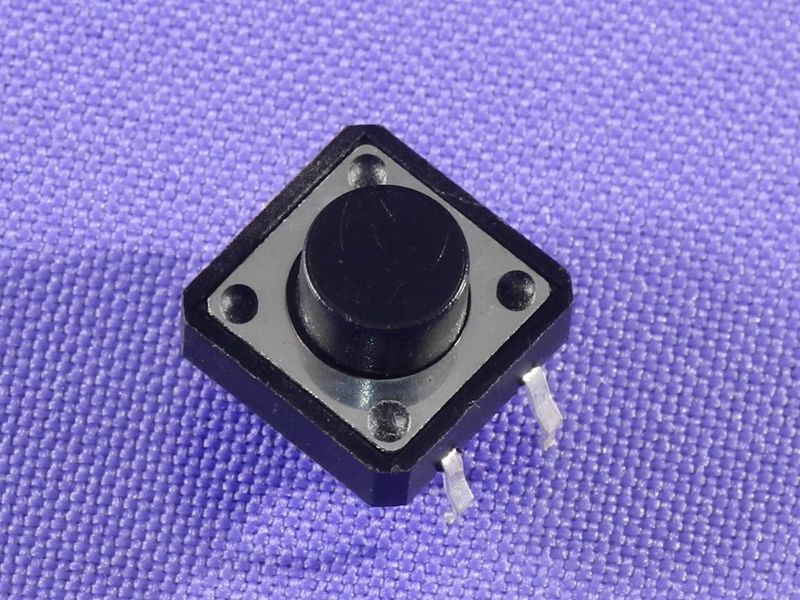
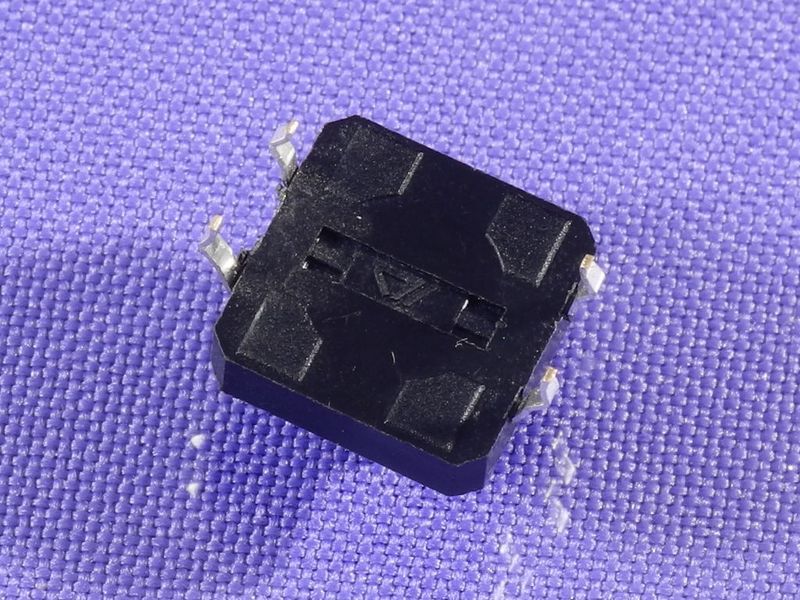
Button for Thomas vacuum cleaners - Universal tactile button
The universal tactile button for Thomas vacuum cleaners is designed to control the operation of the device. This button provides reliable on and off functionality for the vacuum cleaner, making it an essential component for ensuring the efficient operation of your device.
Technical specifications
| Specification | Value |
|---|---|
| Width | 12 mm |
| Length | 12 mm |
| Height | 7 mm |
Compatibility
This button is compatible with Thomas vacuum cleaners. Before purchasing, ensure that the dimensions and type of button match your vacuum cleaner to avoid incompatibility.
How to choose the right part
When selecting a button for your vacuum cleaner, pay attention to the following points:
- Button dimensions (width, length, height). Ensure they match the dimensions of the old button.
- Connection type. Check if the connection method is suitable for your vacuum cleaner model.
- Manufacturer. Try to choose original or certified parts for increased reliability.
Possible causes of failure and prevention methods
The button may fail for the following reasons:
- Mechanical damage (impact, drop).
- Wear from frequent use.
- Contamination (ingress of dirt or liquid).
To prevent premature wear of the button, it is recommended to:
- Regularly clean the button from dust and debris.
- Avoid harsh presses and impacts on the vacuum cleaner.
Difficulty of part replacement
Replacing the tactile button is a relatively simple procedure. Here are the steps to help you perform the replacement:
- Disconnect the vacuum cleaner from the power source.
- Remove the old button by gently pulling it out of the socket.
- Attach the new button, ensuring it is securely fixed.
- Check the functionality of the button by turning on the vacuum cleaner.
Typically, replacing the button takes no more than 15-20 minutes and does not require special tools.