


|
Quantity
|
Out of stock
|
||
|
|
|||
|
|
|||
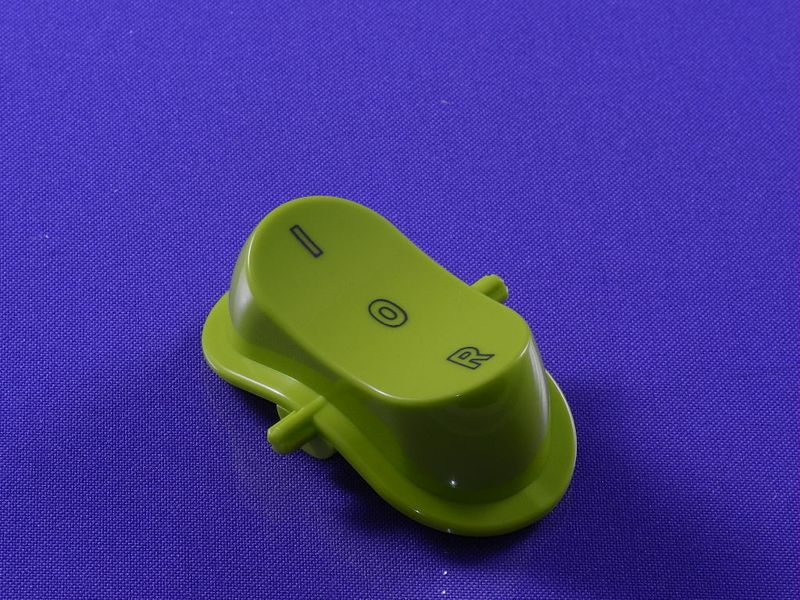
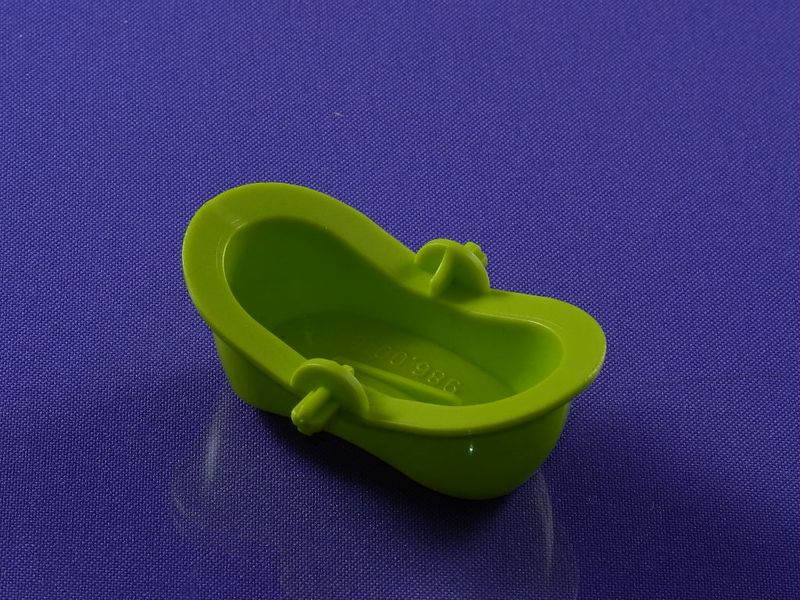
Decorative power button for Zelmer meat grinder (lime green) (886.0018 757243)
The original decorative power button for the Zelmer meat grinder, model 886.0018 757243, is designed to replace a damaged or worn button on devices of this brand. This button not only serves the functional purpose of turning the device on and off but also gives the meat grinder an aesthetic appearance.
Technical specifications and compatibility
| Specification | Value |
|---|---|
| Model | 886.0018 757243 |
| Color | Lime green |
| Compatible models | ZMM1486GRU (986.86), ZMM1480GRU (986.80), ZMM1488GRU (986.88) |
How to choose the right product
When selecting a decorative power button for the Zelmer meat grinder, pay attention to the following points:
- Ensure that the part number 886.0018 matches your model.
- Check that the color of the button matches your preferences.
- Compare the size and design of the button with the original part to avoid mismatches.
Possible causes of failure and prevention methods
The main causes of power button failure may include:
- Wear from frequent use.
- Ingress of liquid or debris into the button.
- Mechanical damage due to improper handling.
To prevent wear, it is recommended to:
- Keep the area around the button clean and dry.
- Avoid harsh presses and excessive pressure on the button.
Difficulty of part replacement
Replacing the decorative power button is a relatively simple procedure that can be performed even by a beginner:
- Disconnect the meat grinder from the power supply.
- Remove the old button by gently pulling it towards you.
- Ensure the installation area is clean.
- Install the new button by pressing until it clicks.
- Reconnect the meat grinder to the power supply and check the functionality of the button.
The difficulty of the replacement can be rated as low, and the replacement time will not take more than 10 minutes.