


|
Quantity
|
Out of stock
|
||
|
|
|||
|
|
|||
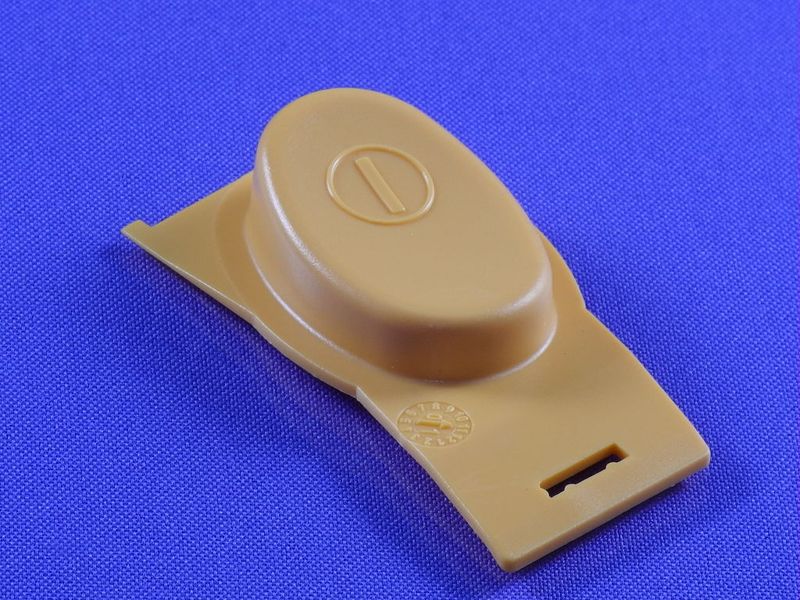
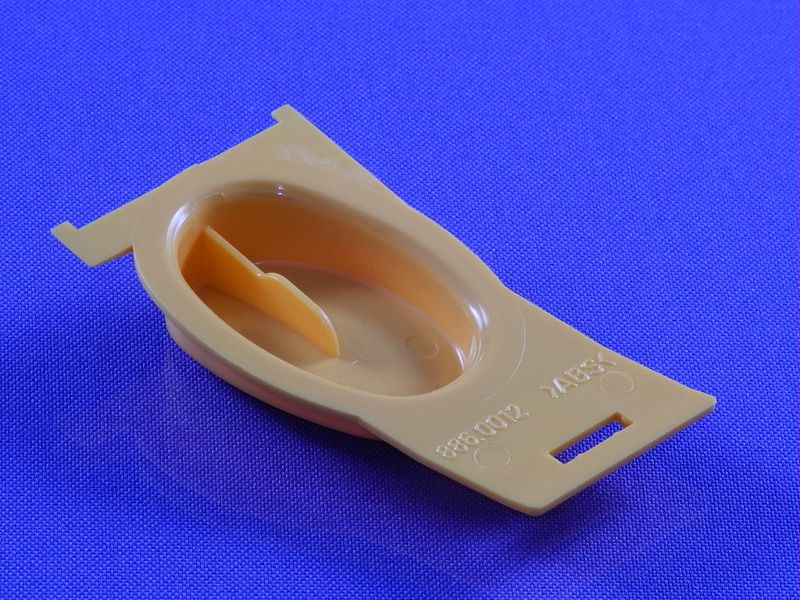
Decorative power button for Zelmer meat grinder (orange) (886.0012 757228)
Description: The decorative power button (or switch) for the Zelmer meat grinder 886.0012 757228 is an original part designed to restore the functionality of your device. This button provides convenient on and off control of the meat grinder, making the cooking process safer and more comfortable.
Technical specifications and compatibility
| Part number | 886.0012 757228 |
|---|---|
| Color | Orange |
| Compatible models |
|
How to choose the right product
When selecting a decorative power button for your Zelmer meat grinder, pay attention to the following points:
- Ensure that the part number of the button matches your device (886.0012 757228).
- Check compatibility with your meat grinder model using the list of compatible models.
- Consider the color and design to ensure it matches your device.
Possible causes of malfunction and prevention methods
Malfunctions of the power button can occur for various reasons, including:
- Wear of the button mechanism due to frequent use.
- Ingress of moisture or dirt, which can lead to short circuits.
- Physical damage from careless handling.
To prevent wear, it is recommended to:
- Use the button gently, avoiding hard presses.
- Regularly clean the area around the button from debris.
- Prevent moisture from coming into contact with the button.
Difficulty of part replacement
Replacing the decorative power button for the Zelmer meat grinder has a medium level of difficulty. To replace it, follow these steps:
- Disconnect the meat grinder from the power supply.
- Remove the cover if necessary to access the button.
- Disconnect the old button from the electrical circuit.
- Connect the new button following the instructions.
- Reinstall the cover and check functionality.
If you are unsure of your abilities, it is recommended to consult a professional for part replacement.